How does JW Ministry complement JW Library for Jehovah's Witnesses?
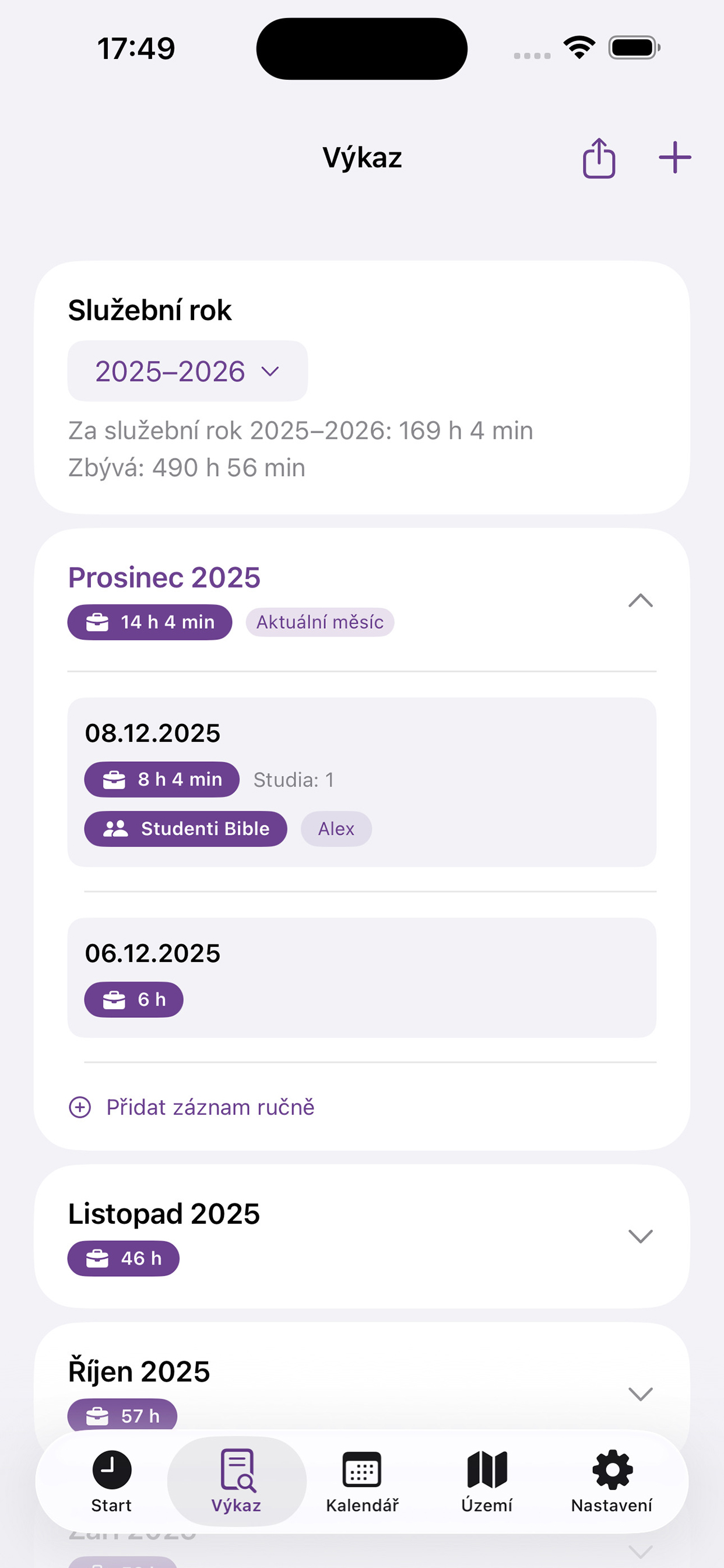
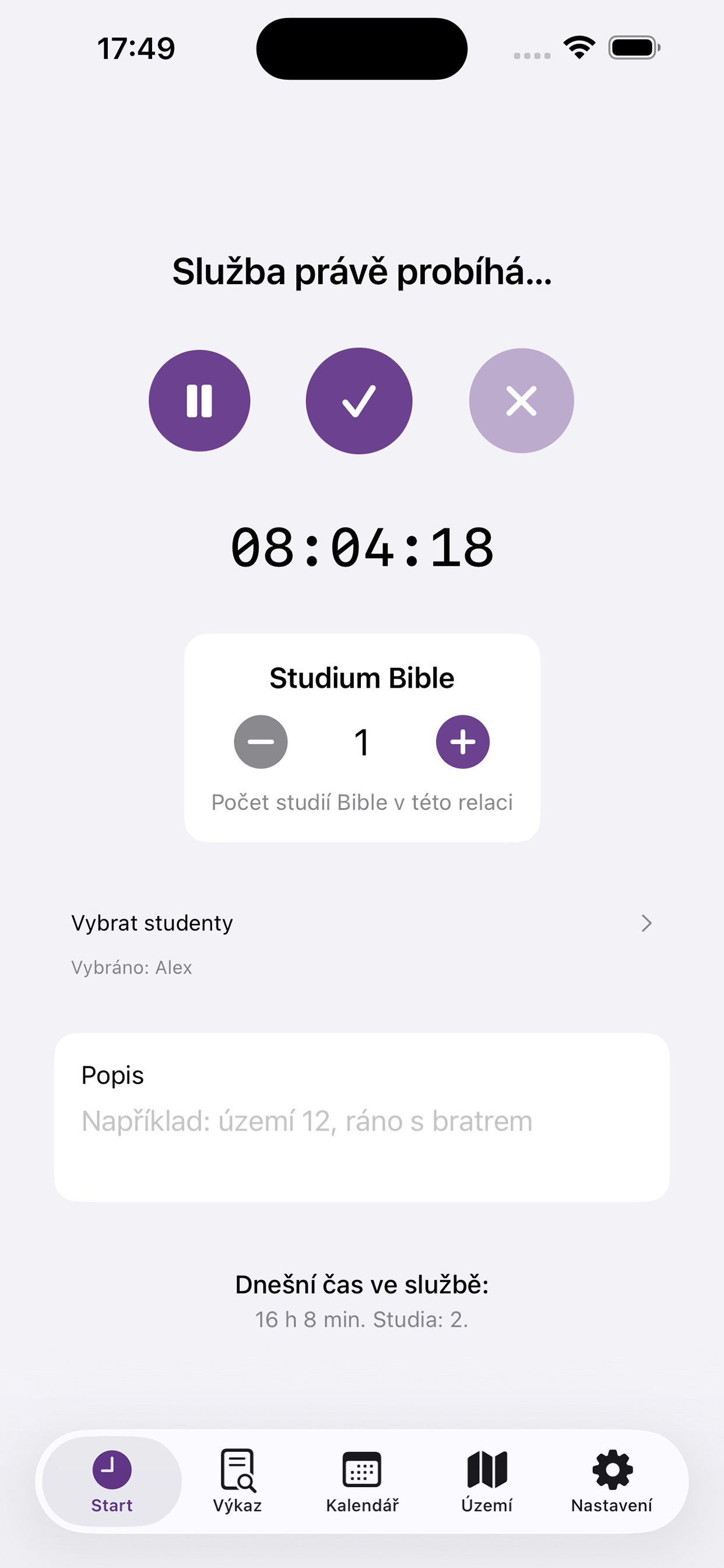
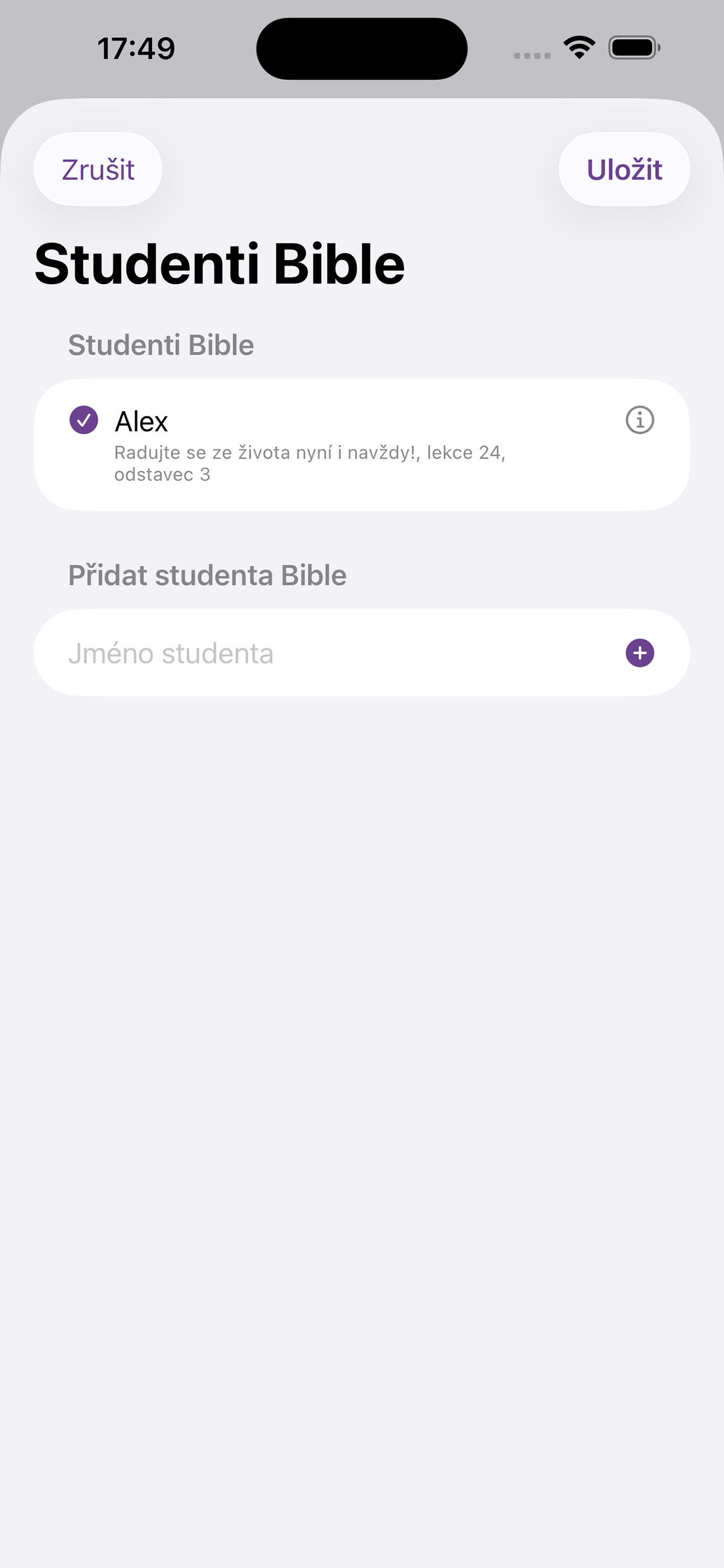
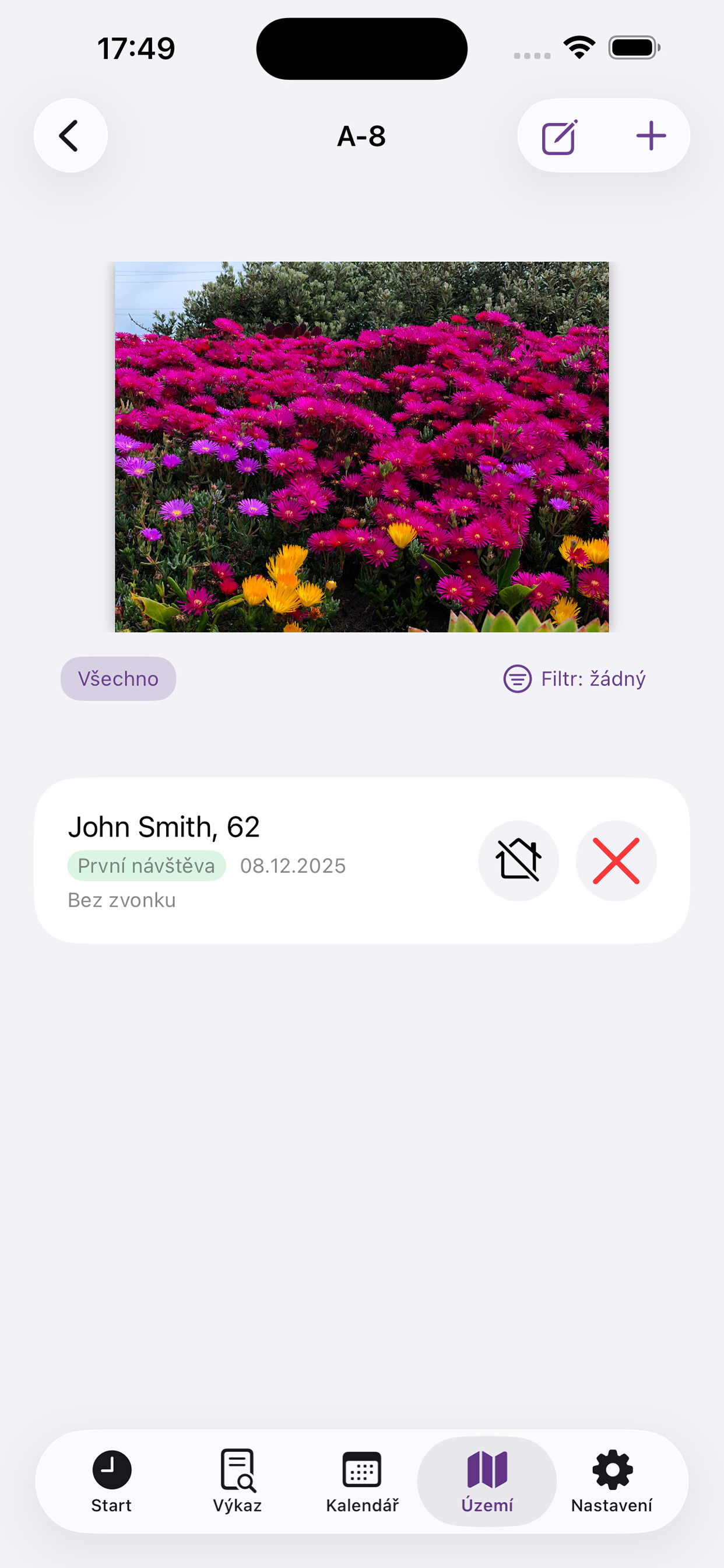
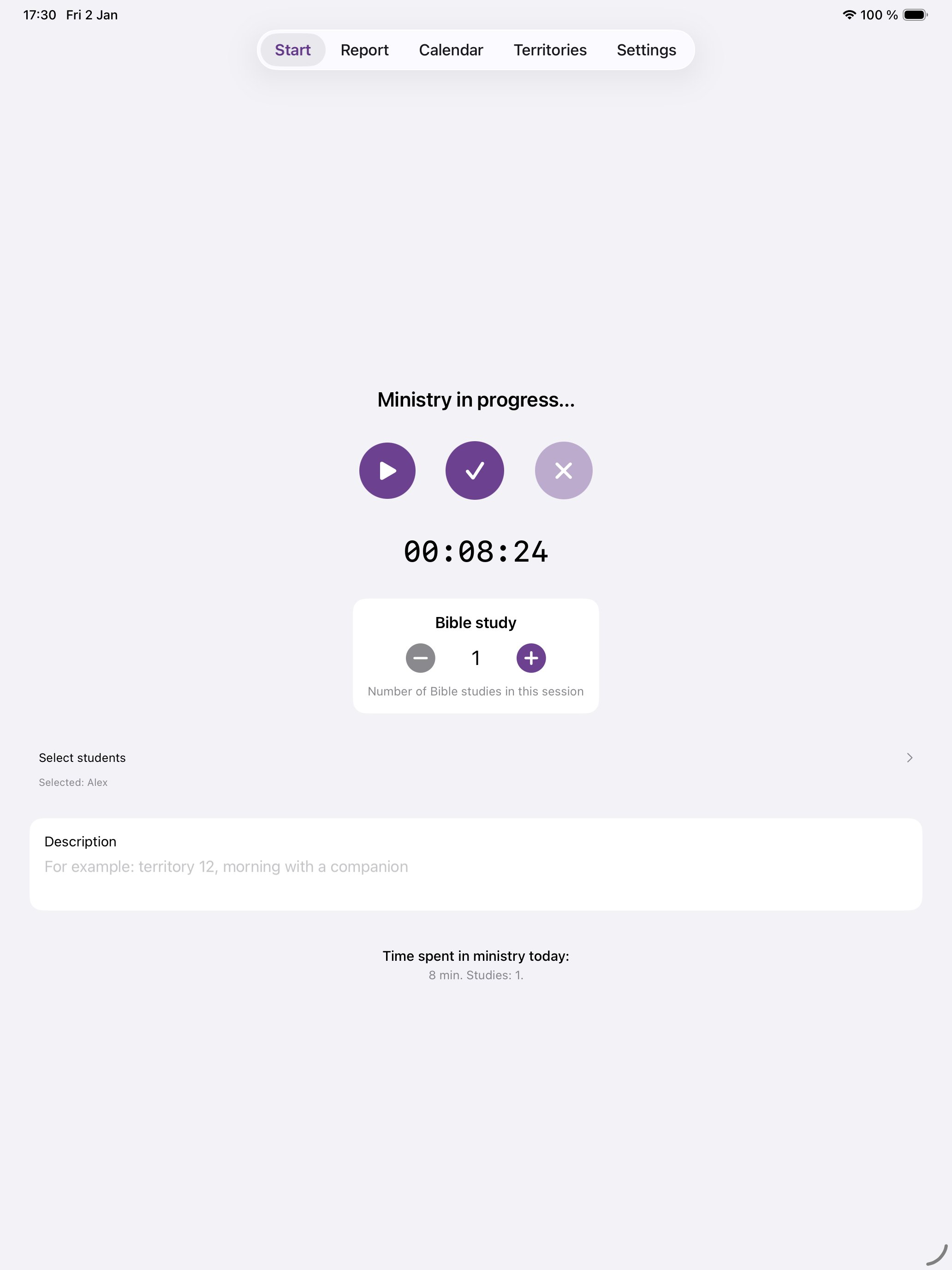
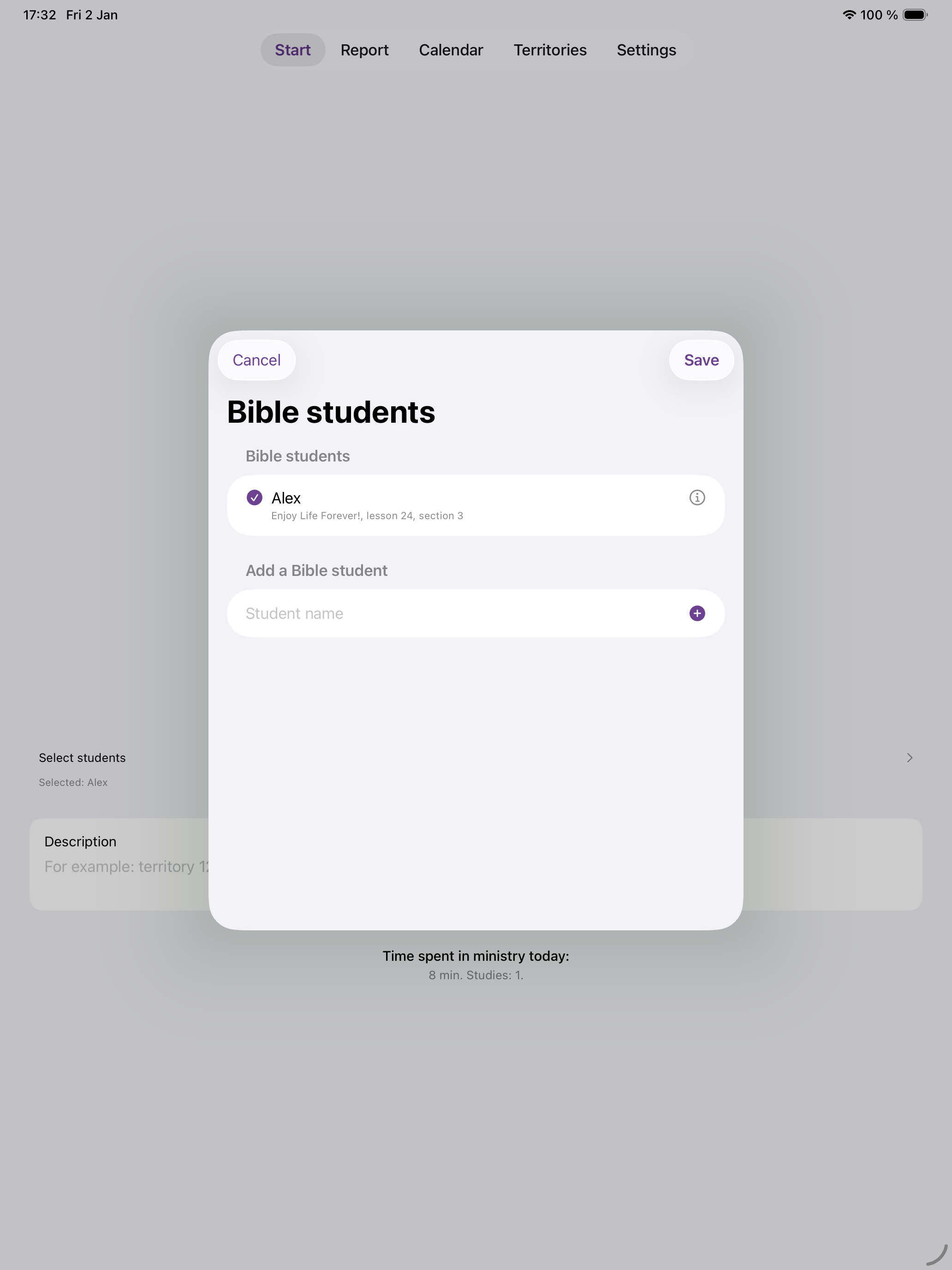
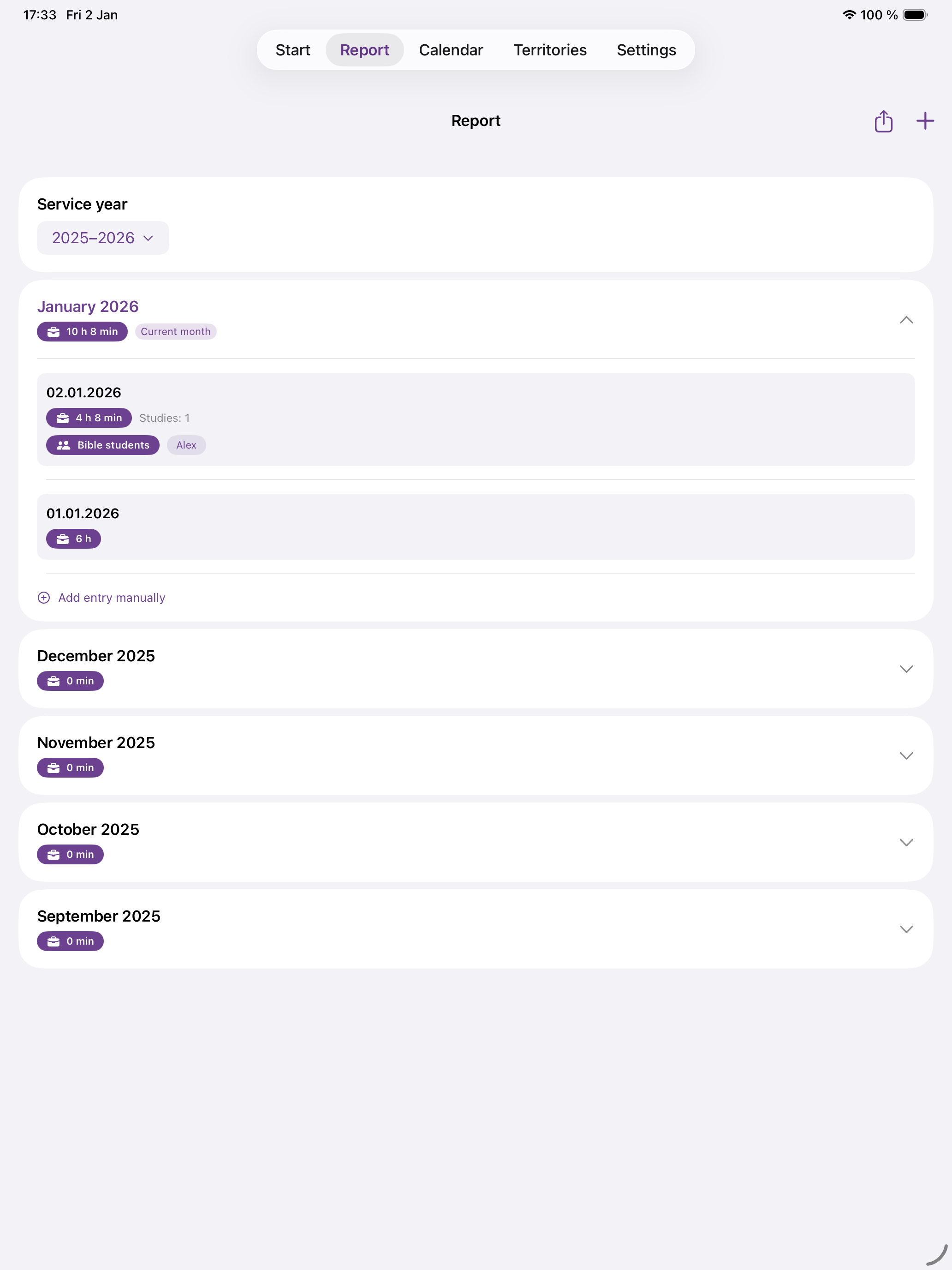
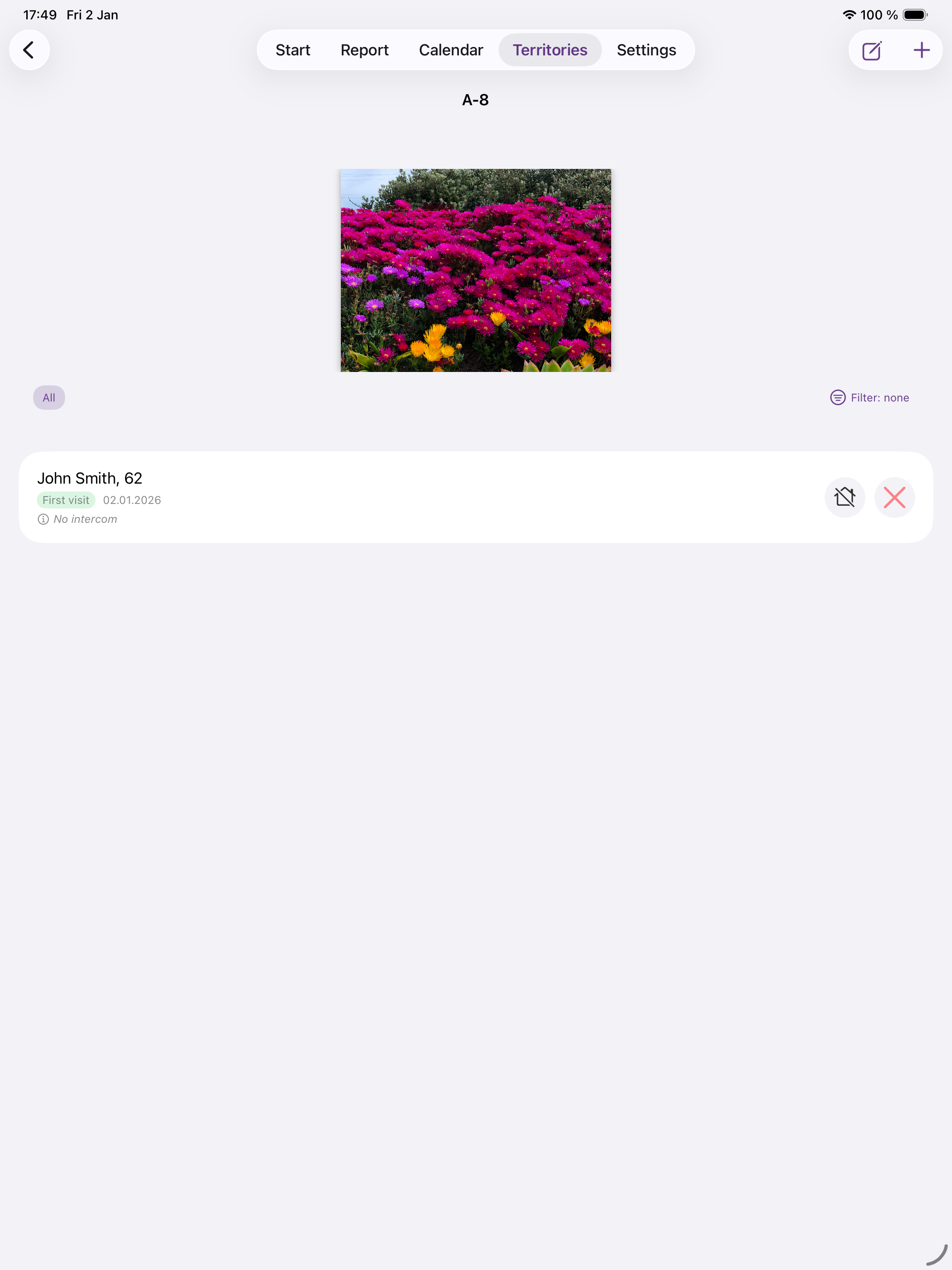
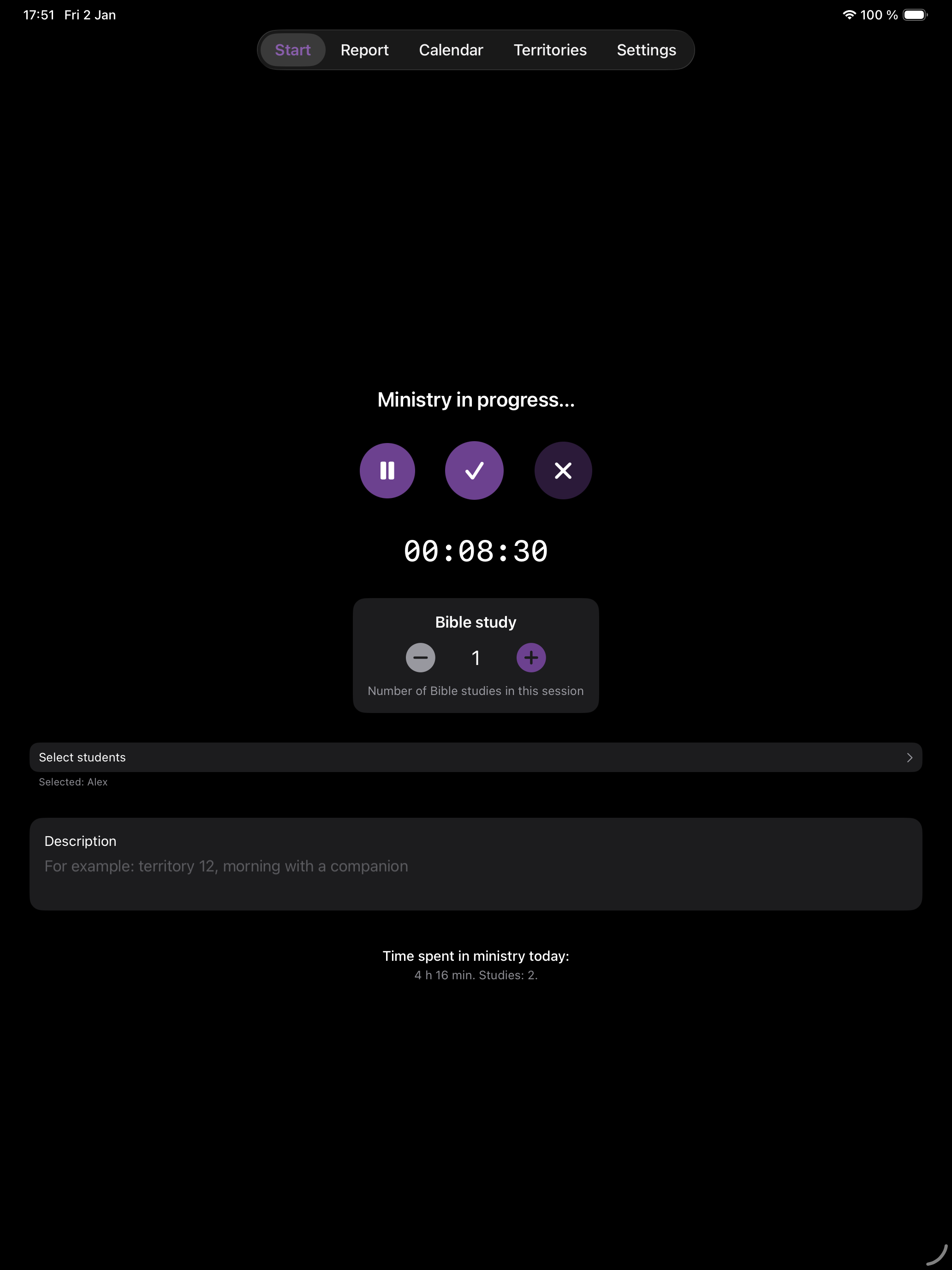
While JW Library is used for reading the Bible, publications, and congregation meetings, JW Ministry is purpose-built for tracking your personal field ministry: logging field service report hours, planning your regular or auxiliary pioneer schedule (15, 30, 50, or 100 hours), managing personal territory records, and tracking Bible students.
Where are my ministry records and territory notes stored?
Exclusively on your device (iPhone or iPad). The app has no external database or cloud server, ensuring complete confidentiality of your personal notes and addresses.
How do I transfer my data to a new iPhone or iPad?
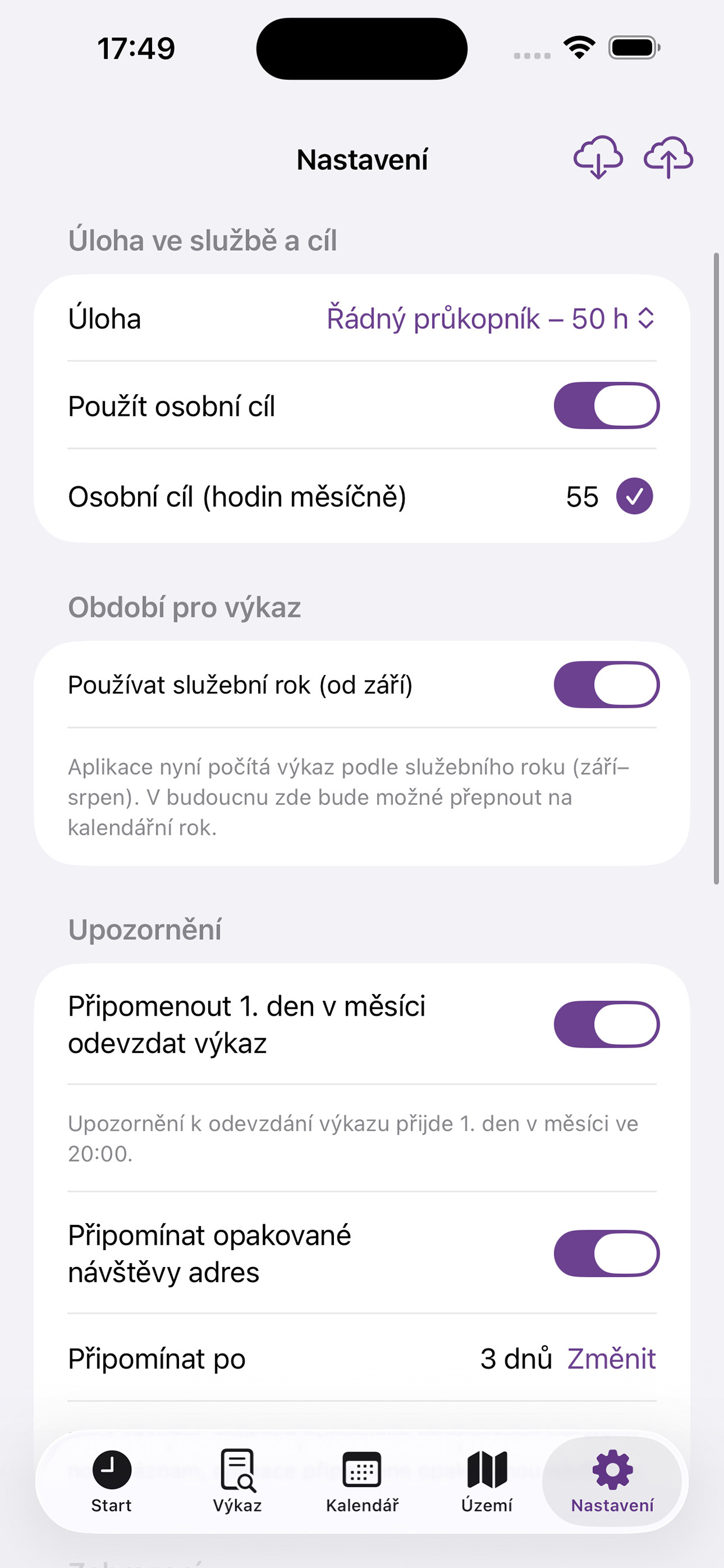
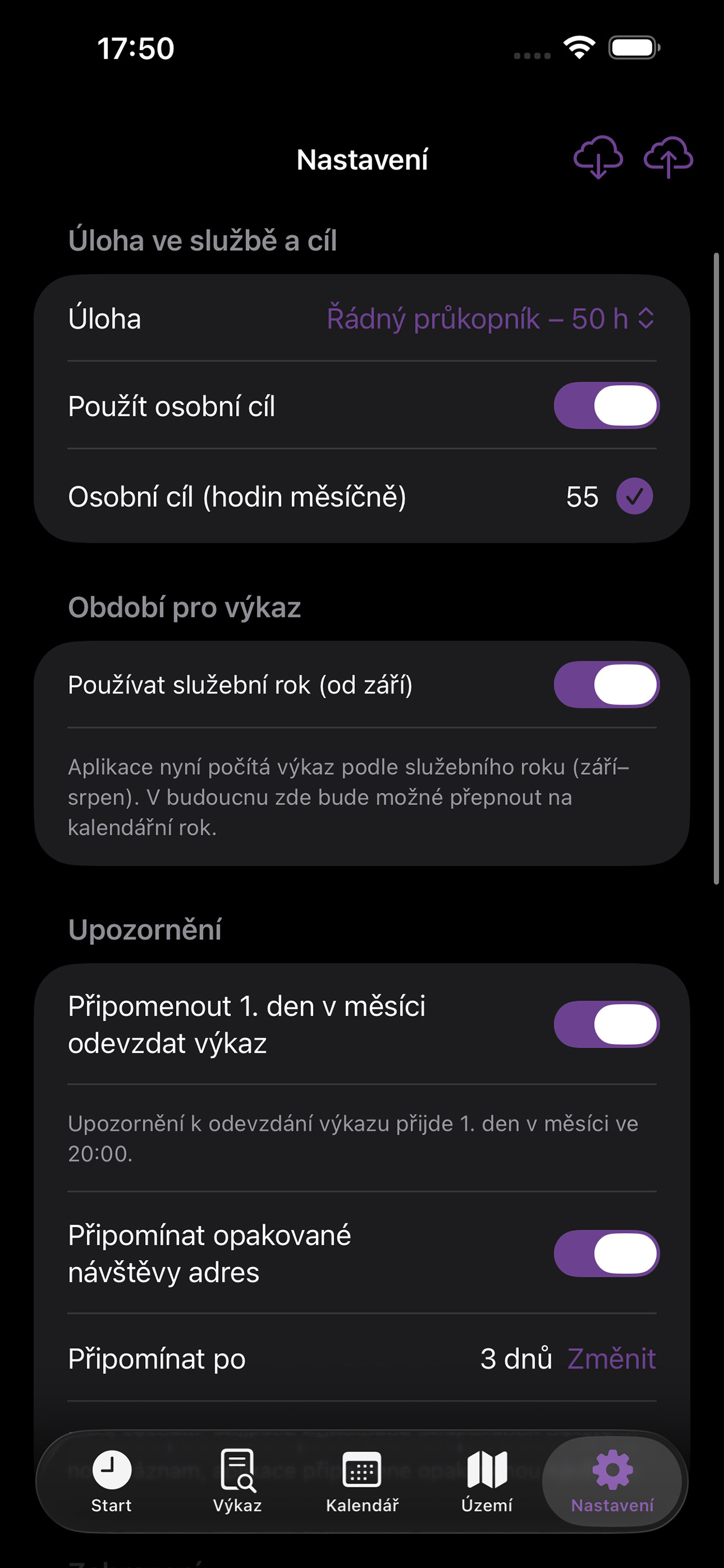
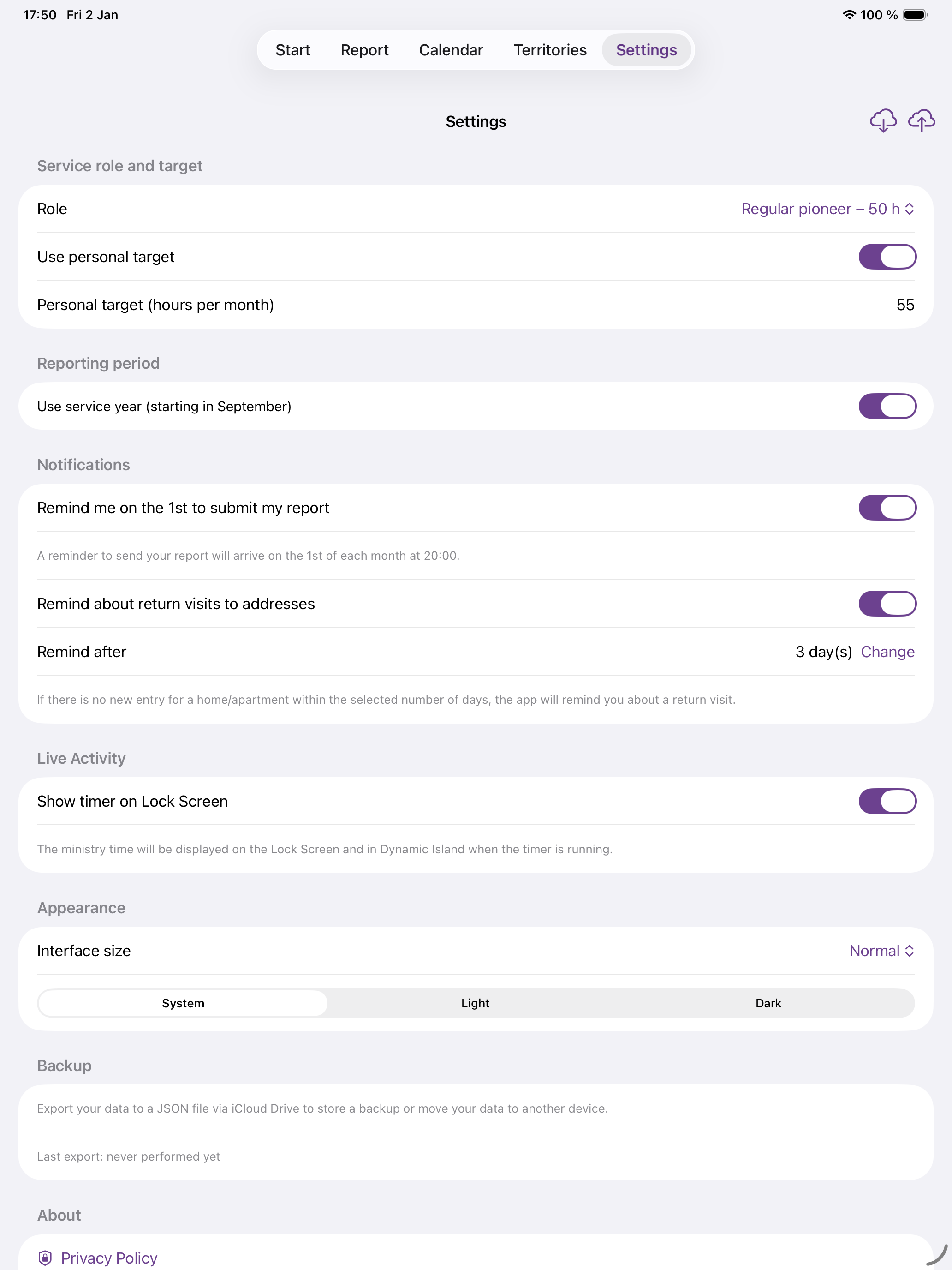
Open the Settings tab and tap the Cloud Upload icon in the top-right corner to export a full backup file (including territory photos) to iCloud Drive or AirDrop. On your new device, tap the Cloud Download icon to restore everything in one tap.
How do automatic return visit reminders work?
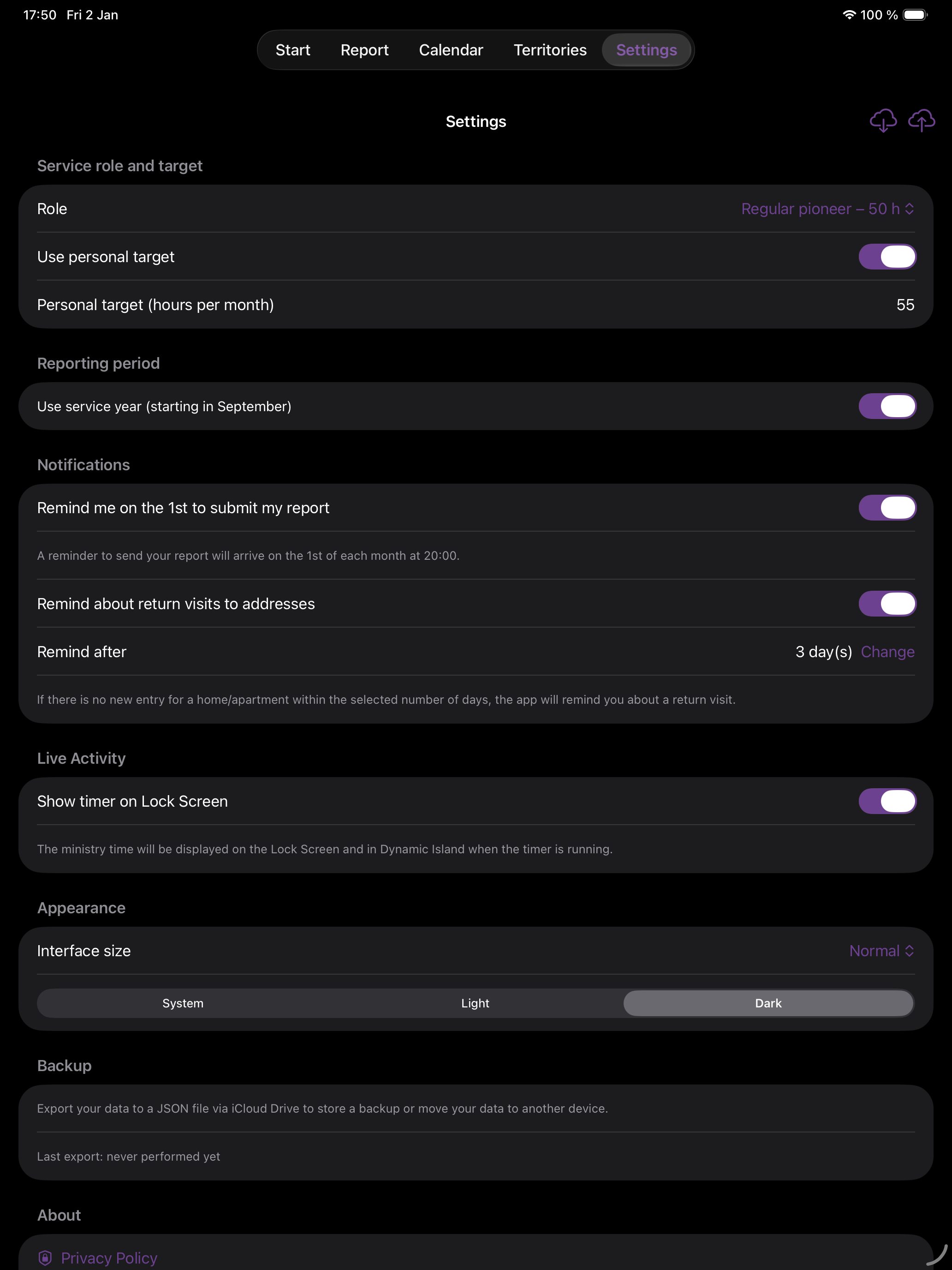
In Settings → Notifications, enable 'Remind about return visits to addresses' and set the interval (for example, 3 days). If you haven't logged a follow-up visit to an address within that period, the app will gently remind you.
Does the app support the September–August Service Year?
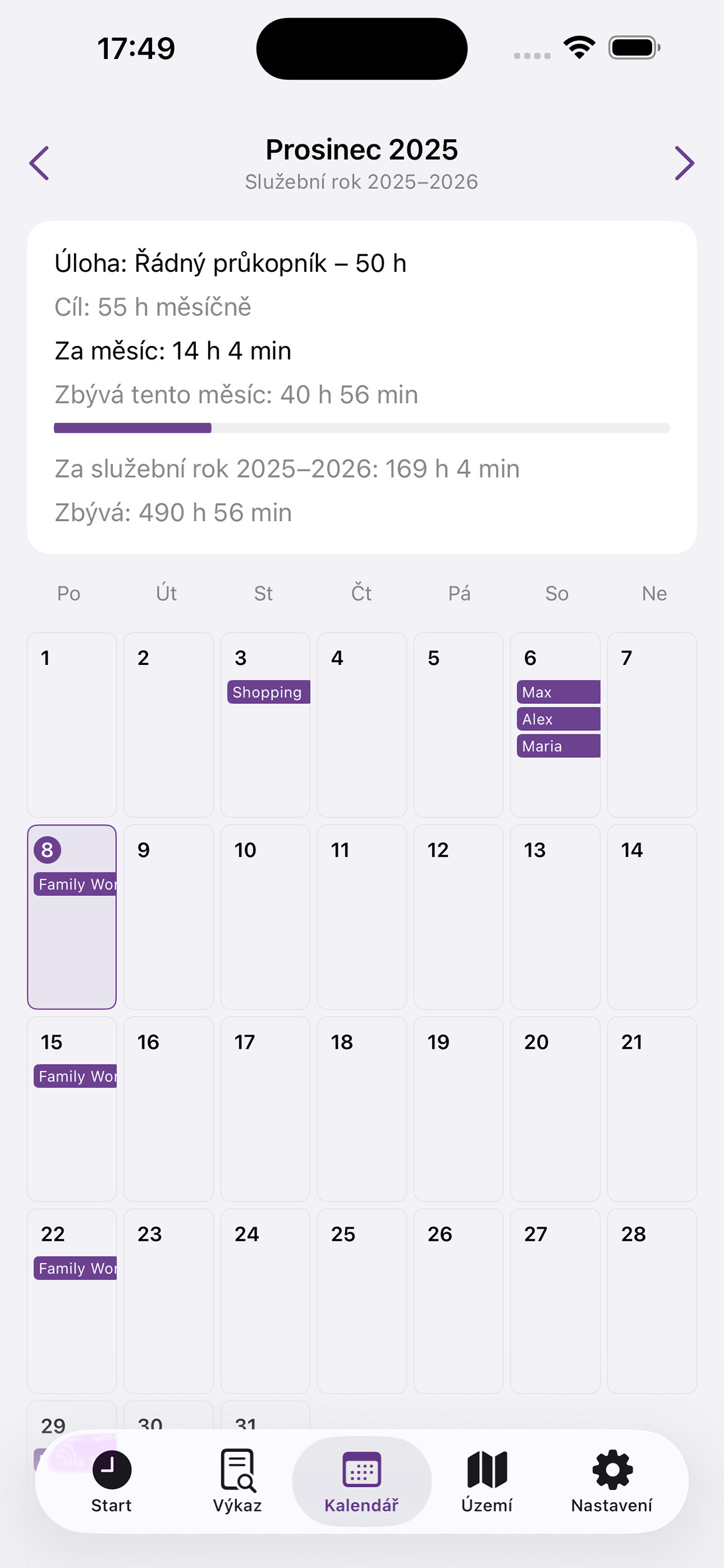
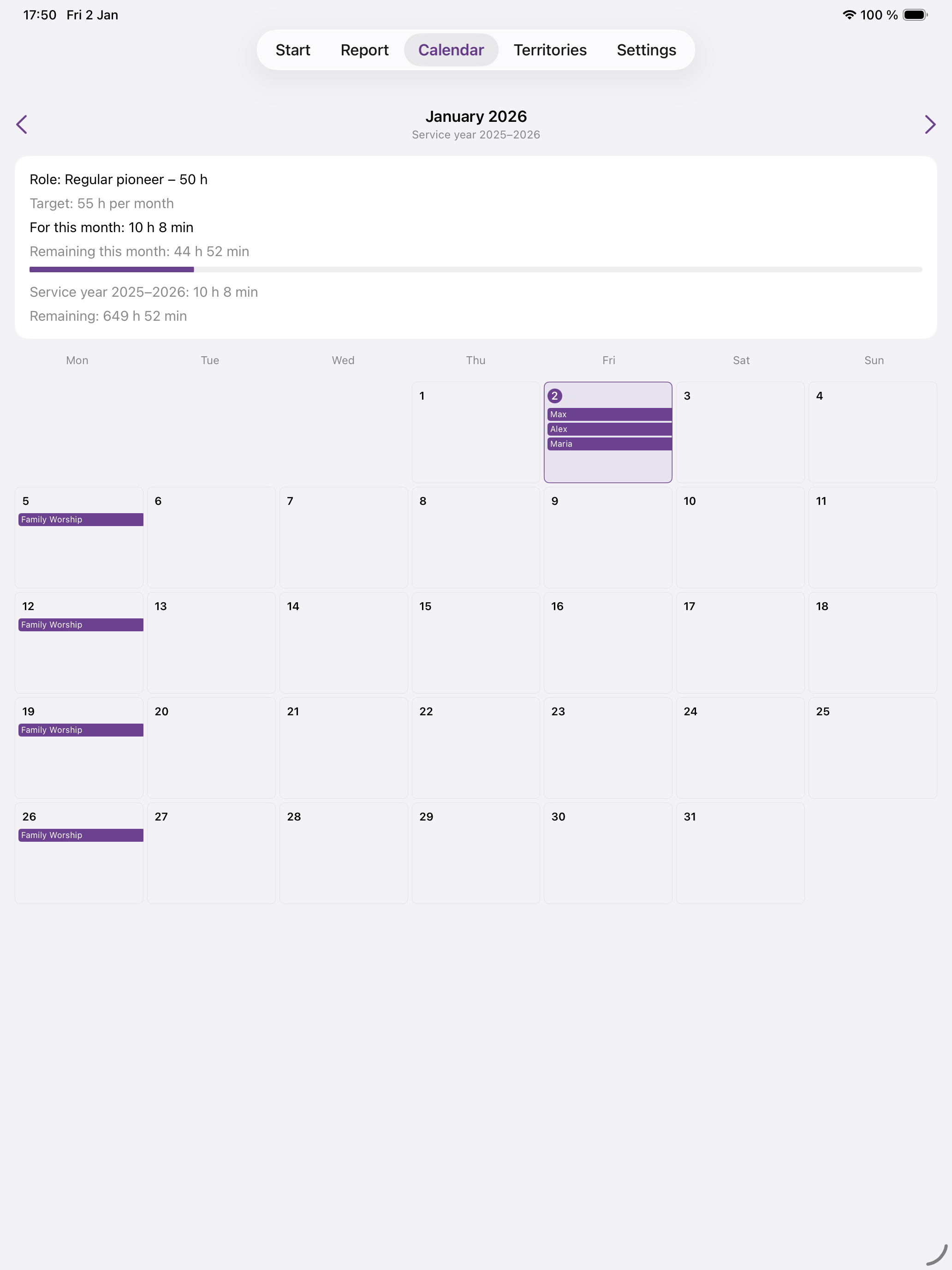
Yes! Both the Report tab and the Calendar summary calculate monthly and annual hours across the official September–August service year, including remaining hours toward your annual pioneer goal.
Is JW Ministry a good replacement for ServicePlanner or MyTime on iPhone?
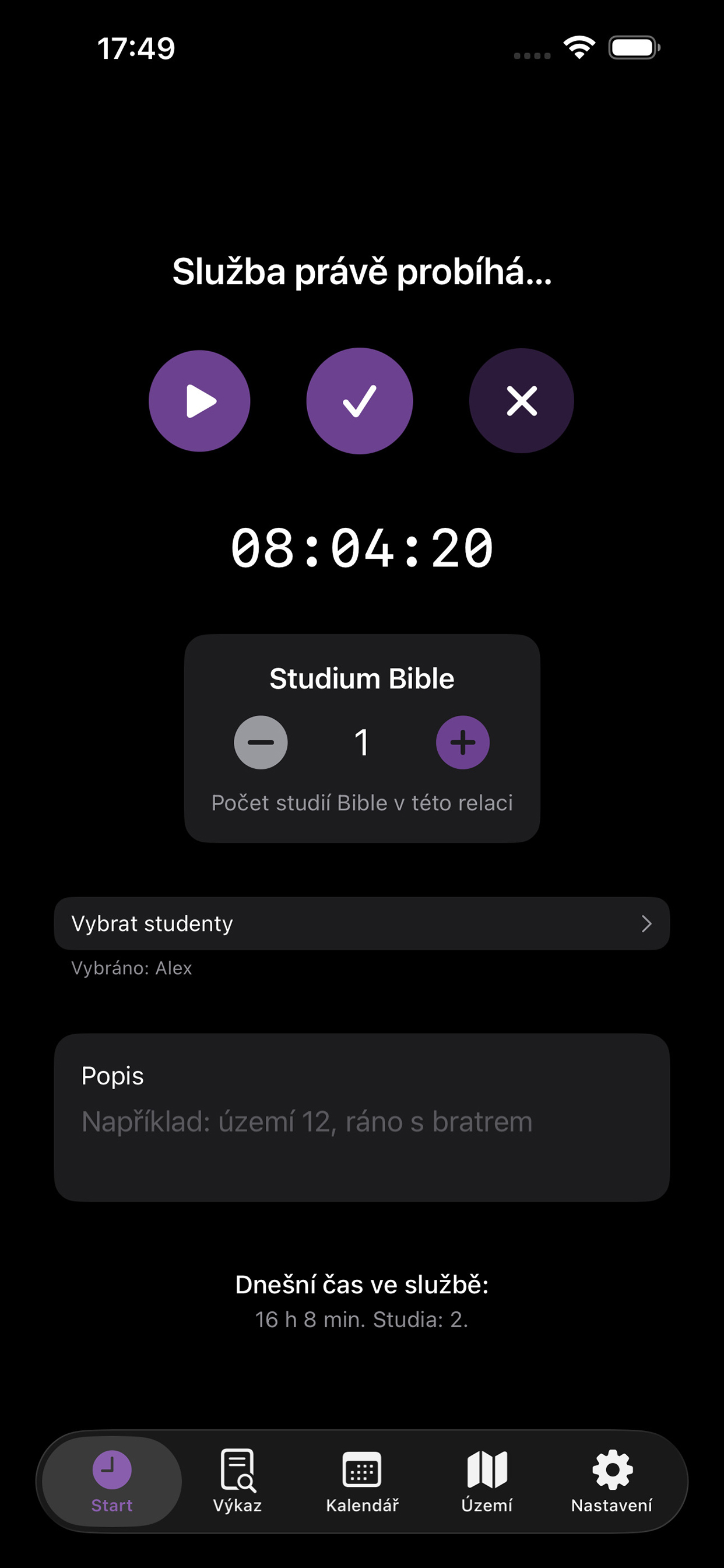
Yes! JW Ministry is actively maintained for the latest iOS and iPadOS releases, featuring Live Activities on the Lock Screen and Dynamic Island, interactive Home Screen widgets, an apartment building generator, Planned vs. Actual calendar tracking, and 1-tap iCloud Drive backups.
Does the app work completely offline during door-to-door ministry?
Absolutely. All timers, territory maps, apartment records, and Bible student notes work 100% offline without requiring mobile data or Wi-Fi.
Can I convert a planned ministry event in the Calendar into a Report entry?
Yes. Simply swipe on any planned ministry session in the Calendar and tap 'To Report' — the duration is automatically logged in your monthly report and deducted from your remaining planned hours.